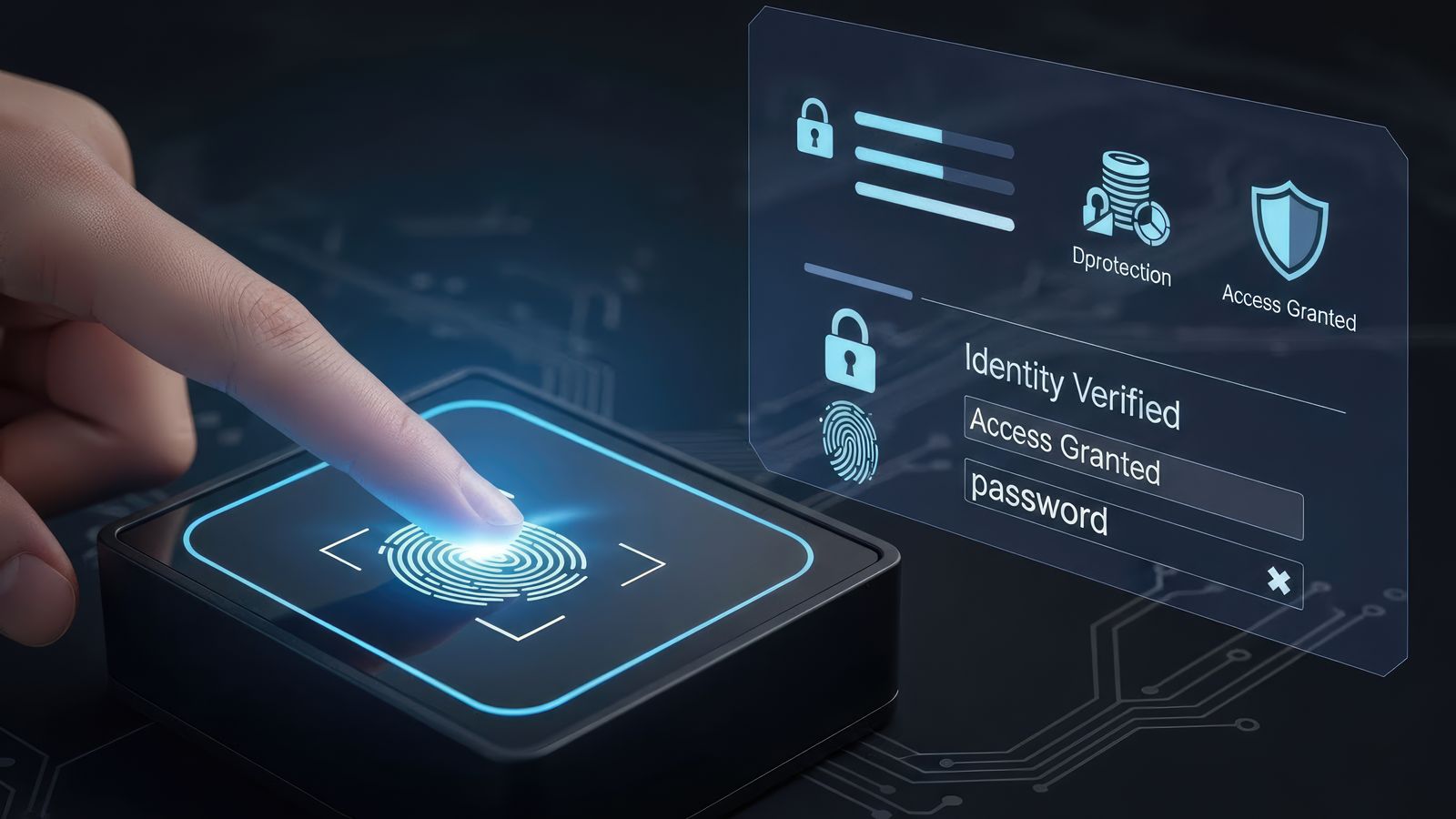
Passkeys in 2026: WebAuthn Implementation and Account Recovery
Practical guide to implementing passkeys with WebAuthn. Covers browser support, server-side relying party setup, account recovery flows, and migration from passwords.
Passkeys are the most significant change to authentication in a decade. They replace passwords with cryptographic key pairs stored on user devices, eliminating phishing, credential stuffing, and password reuse in one architectural shift. By 2026, browser and OS support is mature enough for production adoption—but the implementation details, especially around account recovery, determine whether your deployment succeeds or creates a new class of support chaos.
This article covers the practical implementation of passkeys using the WebAuthn specification. It is aimed at developers and architects building authentication systems. The security hub provides broader security resources, and the application security path offers a structured progression through security engineering.
For complementary security guidance, see the earlier articles on the OWASP Top 10 developer checklist and Secure by Design sprint plan.
How passkeys work
A passkey is a WebAuthn credential—a public-private key pair where:
- The private key stays on the user's device (or is synced via their platform's cloud keychain)
- The public key is stored on your server
During authentication:
- Your server sends a challenge (a random value)
- The user's device signs the challenge with the private key (after biometric or PIN verification)
- Your server verifies the signature with the stored public key
No password is transmitted, stored, or phishable. The cryptographic verification is bound to your domain, so a fake login page on a different domain cannot capture or replay the credential.
Registration flow
Server-side
- Generate a registration challenge with a cryptographically random value
- Include the relying party ID (your domain), user information, and supported algorithms
- Send the challenge to the client
Client-side
- Call
navigator.credentials.create()with the server's options - The browser prompts the user for biometric verification or device PIN
- The authenticator creates a new key pair
- The browser returns the public key, credential ID, and attestation to the server
Server-side verification
- Verify the attestation (or skip for passkeys where attestation is not required)
- Store the public key and credential ID associated with the user account
- Allow multiple passkeys per account (users have multiple devices)
Authentication flow
Server-side
- Generate an authentication challenge
- Optionally include a list of credential IDs associated with the user (for non-discoverable credentials)
- Send the challenge to the client
Client-side
- Call
navigator.credentials.get()with the server's options - The browser prompts for biometric or PIN verification
- The authenticator signs the challenge
- The browser returns the signature and credential ID
Server-side verification
- Look up the public key by credential ID
- Verify the signature against the challenge
- Check the sign count to detect cloned authenticators
- Issue a session
Account recovery: the hard problem
Passkeys eliminate password-based attacks but create a new problem: what happens when the user loses access to all their devices?
Recovery strategies, ranked by security
1. Multiple registered passkeys (recommended)
Encourage users to register passkeys on multiple devices (phone, laptop, tablet). If one device is lost, another can authenticate. This is the cleanest solution.
2. Platform keychain sync
Apple, Google, and Microsoft sync passkeys across devices via their cloud keychains. A user with an iPhone and a Mac has their passkey on both devices automatically. This covers the most common "lost device" scenario.
3. Recovery codes
Generate a set of one-time recovery codes during registration. The user stores them offline (printed or in a password manager). This is familiar from TOTP MFA recovery.
Downsides: users lose recovery codes. Recovery codes are phishable if printed.
4. Email-based recovery
Send a time-limited recovery link to the user's verified email. This is less secure than passkey authentication (email accounts can be compromised) but is a practical fallback.
Downsides: reduces security to the strength of the email account.
5. Customer support verification
For high-value accounts, require identity verification through customer support. This is expensive and slow but necessary for accounts where automated recovery is too risky.
Recovery anti-patterns
- SMS-based recovery: SMS is vulnerable to SIM swapping. Do not use it as a primary recovery method.
- Security questions: easily researched or socially engineered. Avoid entirely.
- Automatic password fallback: if you allow password login as a recovery path, attackers will use it to bypass passkeys. If you offer password fallback, protect it with strong MFA.
Implementation considerations
Discoverable vs non-discoverable credentials
- Discoverable credentials (resident keys): the user does not need to enter a username first. The authenticator stores enough information to identify the account. This enables "usernameless" login.
- Non-discoverable credentials: the user enters their username first, and the server provides credential IDs for the authenticator to search. This requires less authenticator storage.
For consumer applications, discoverable credentials provide the best UX. For enterprise applications, non-discoverable credentials may be appropriate to avoid filling authenticator storage.
Cross-origin considerations
WebAuthn credentials are bound to the relying party ID (your domain). Subdomains can share credentials with the parent domain if configured correctly. Different domains cannot share credentials.
Attestation
Attestation lets you verify the type and manufacturer of the authenticator. For most consumer applications, attestation is not necessary and can reduce compatibility. For high-security environments (government, finance), attestation may be required by policy.
Migration from passwords to passkeys
Phase 1: offer passkeys alongside passwords
Add passkey registration as an option. Do not force migration. Users who register a passkey still have their password as a fallback.
Phase 2: encourage passkey adoption
Prompt users to register a passkey after password login. Show the security and convenience benefits. Target ≥50% adoption before proceeding.
Phase 3: require passkeys for sensitive operations
Require passkey authentication for account settings changes, financial transactions, or administrative actions—even if the user logged in with a password.
Phase 4: password deprecation (optional)
For applications where passkey adoption is high enough, offer a "remove password" option. Do not force password removal until adoption exceeds 90% and recovery flows are thoroughly tested.
Trade-offs
- Passkeys are phishing-resistant but require device access. Lost devices without recovery plans lead to locked-out users.
- Platform keychain sync is convenient but means passkey security is only as strong as the platform account (Google, Apple, Microsoft).
- Discoverable credentials provide better UX but consume limited authenticator storage on hardware security keys.
- Enterprise deployments may need to mandate specific authenticator types (e.g., FIDO2 hardware keys) which increases cost and support complexity.
Further reading on EBooks-Space
- Security topic hub — curated security reading lists
- Application Security learning path — structured security engineering progression
- OWASP Top 10 developer checklist — broader vulnerability mitigation
- Secure by Design sprint plan — engineering-focused security improvements